



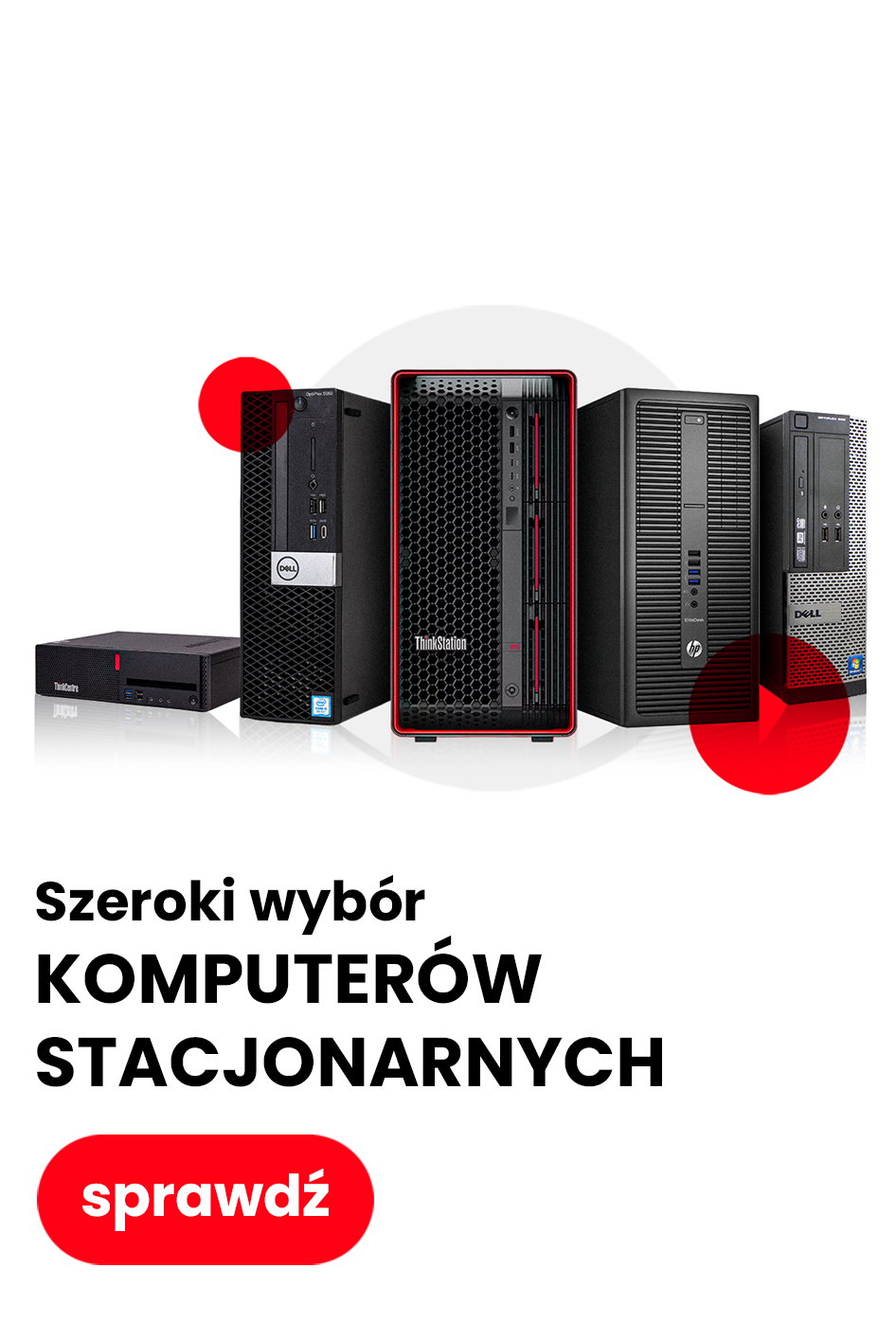
Shopping in our online store is fast, convenient, and fully secure. We have prepared a simple guide for you that will walk you through the entire ordering process step by step – from registration, through product selection, to the finalization of the transaction. Thanks to our intuitive platform, you can easily purchase high-end IT equipment using convenient delivery and payment methods.
Step 1: Select the product you are interested in
- Use the search engine or browse the categories available in the menu.
- On the product page you will find:
- technical description
- technical condition
- information about warranty and availability.
Step 2: Go to cart
- After adding products, click the cart icon in the upper right corner of the page.
- In the cart summary you can:
- change the quantity of products,
- remove items,
- add a discount code (if you have one).
Step 3: Registration or guest checkout
You have two options:
- Guest checkout – a fast way to place an order without creating an account.
- Creating an account – allows you to track order status, use purchase history, and receive promotional offers.
To register, simply provide basic data and set a password. Alternatively, you can also log in using the Facebook platform or a Google account. Registration takes less than a minute!
Step 4: Enter shipping details
Fill in the order form, providing:
- first and last name / company details,
- shipping address,
- contact details (email address and phone number),
- possible VAT invoice details.
Also select your preferred delivery method.
Step 5: Choose delivery method
We offer delivery carried out by renowned courier companies and pickup point networks:
- Couriers: DPD, DHL, FedEx, InPost, UPS, Poczta Polska
- Pickup points: DPD Pickup, DHL POP, FedEx Punkt, UPS Access Point, Orlen Paczka, Punkt Pocztex, Paczkomaty InPost, PaczkoPunkt InPost
- Shipments are usually delivered within 1-2 business days
- All shipments are monitored and insured
- Returns and complaints are processed at our expense
Also select your preferred delivery method.
Step 6: Choose payment method
All popular and secure payment methods are available in our store:
- BLIK
- Payment cards (Visa, MasterCard)
- Google Pay and Apple Pay
- Inpost Pay
- Leaslink (Leasing for companies)
- PayPal
- PayU (fast transfers, card payment, 0% Installments)
- Klarna (payment after receiving the product or in installments)
- PayPo (payment within 30 days)
- Traditional bank transfer
- Cash on delivery (COD)
- All transactions are secured with SSL protocol and comply with PSD2 and 3D Secure
- We do not charge any additional fees for the selected payment method
Also select your preferred delivery method.
Step 7: Order confirmation and fulfillment
After placing the order:
- You will receive an automatic confirmation at the provided email address.
- An employee of our store may contact you to confirm order details.
- The order will be processed within 24 hours from the moment the payment is credited (or placing the order in the case of cash on delivery).
Step 8: Shipment tracking
After the package is sent, you will receive a tracking number, which will allow you to track the delivery status in real time on the carrier's website or in the mobile application (e.g., InPost Mobile).
Have questions? Contact us!
Our customer service team is ready to help you at every stage of your purchase. You can contact us by email, phone, or using the contact form on the website.
Shopping in our online store means not only attractive prices and a wide selection of IT equipment, but also maximum security, full transparency, and trouble-free after-sales service.
 Log in with Facebook
 Log in with Google